
Push-to-talk coordination
Connect individuals and talk groups quickly across LTE and Wi-Fi, without being limited to one radio site.
Saving changes…
ARVOS gives organizations one secure workspace to coordinate push-to-talk teams, manage devices and talk groups, and keep field operations visible.
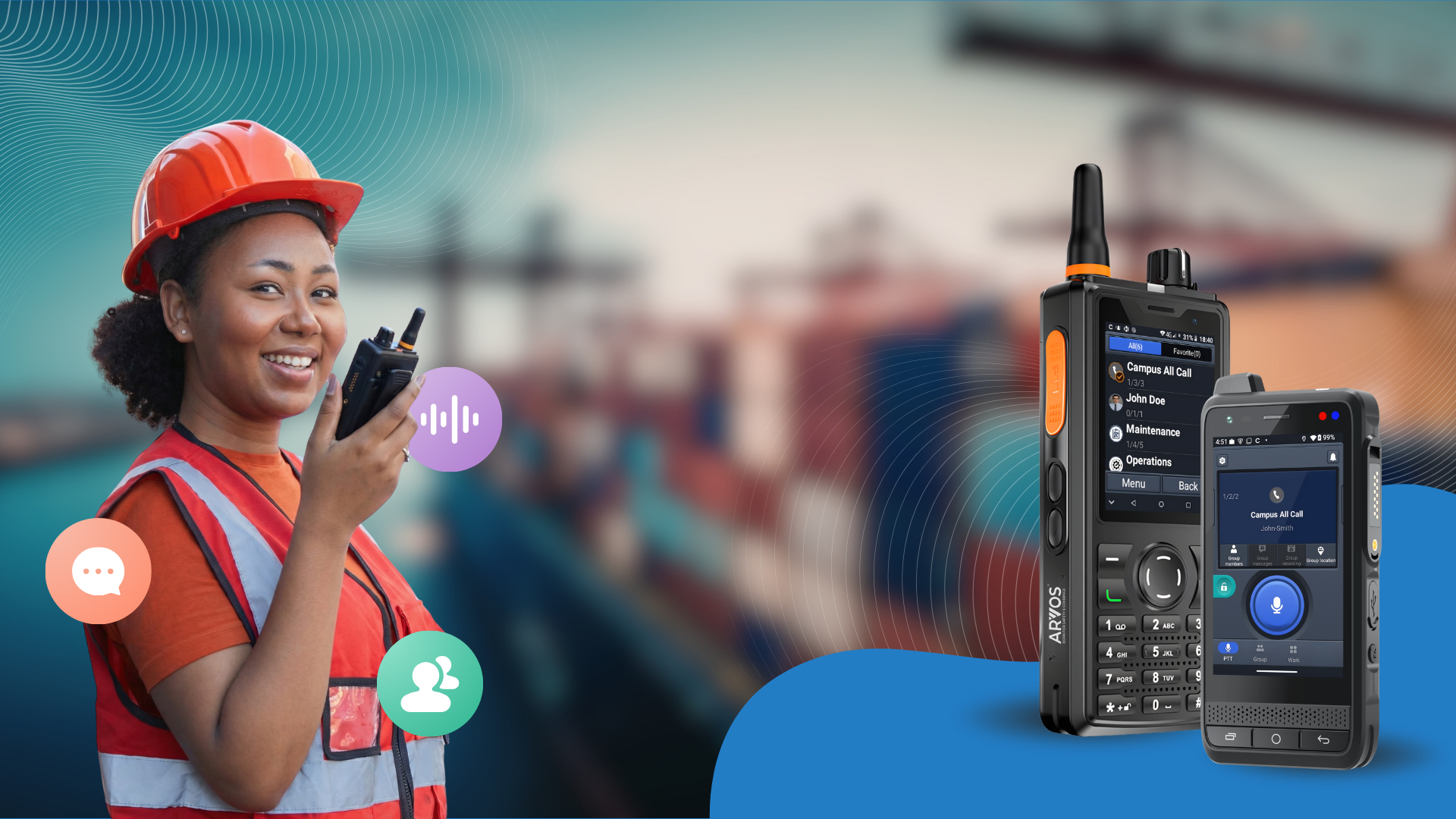
ARVOS brings real-time communication and day-to-day fleet administration together, so organizations can spend less time switching systems and more time coordinating work.
Connect individuals and talk groups quickly across LTE and Wi-Fi, without being limited to one radio site.
Provision, organize, and monitor devices by organization, site, and operational group from one workspace.
Use device location, connectivity, and SOS capabilities to help teams maintain awareness when work moves.
Give platform staff and organization users the right level of access, with operational history for accountability.
Deploy the team, shape the communication structure, and keep everyday operations visible in one secure platform.
View ARVOS product informationBring supported push-to-talk devices online with cellular and Wi-Fi connectivity.
Assign devices, sites, users, and talk groups around the way the organization works.
Use the shared workspace to manage communication access and respond to changing field needs.
Google sign-in and optional Google service connections are separate. ARVOS requests only the access needed for the action you choose, and Google shows the requested permissions before you approve them.
ARVOS uses Google user data only to provide the selected user-facing feature. You can revoke ARVOS access from your Google Account. For details about access, storage, sharing, retention, and deletion, read the ARVOS Privacy Policy.